2025-2026 Yearbooks

2025-2026 Yearbook Order

2025-2026 Yearbook
$15.00

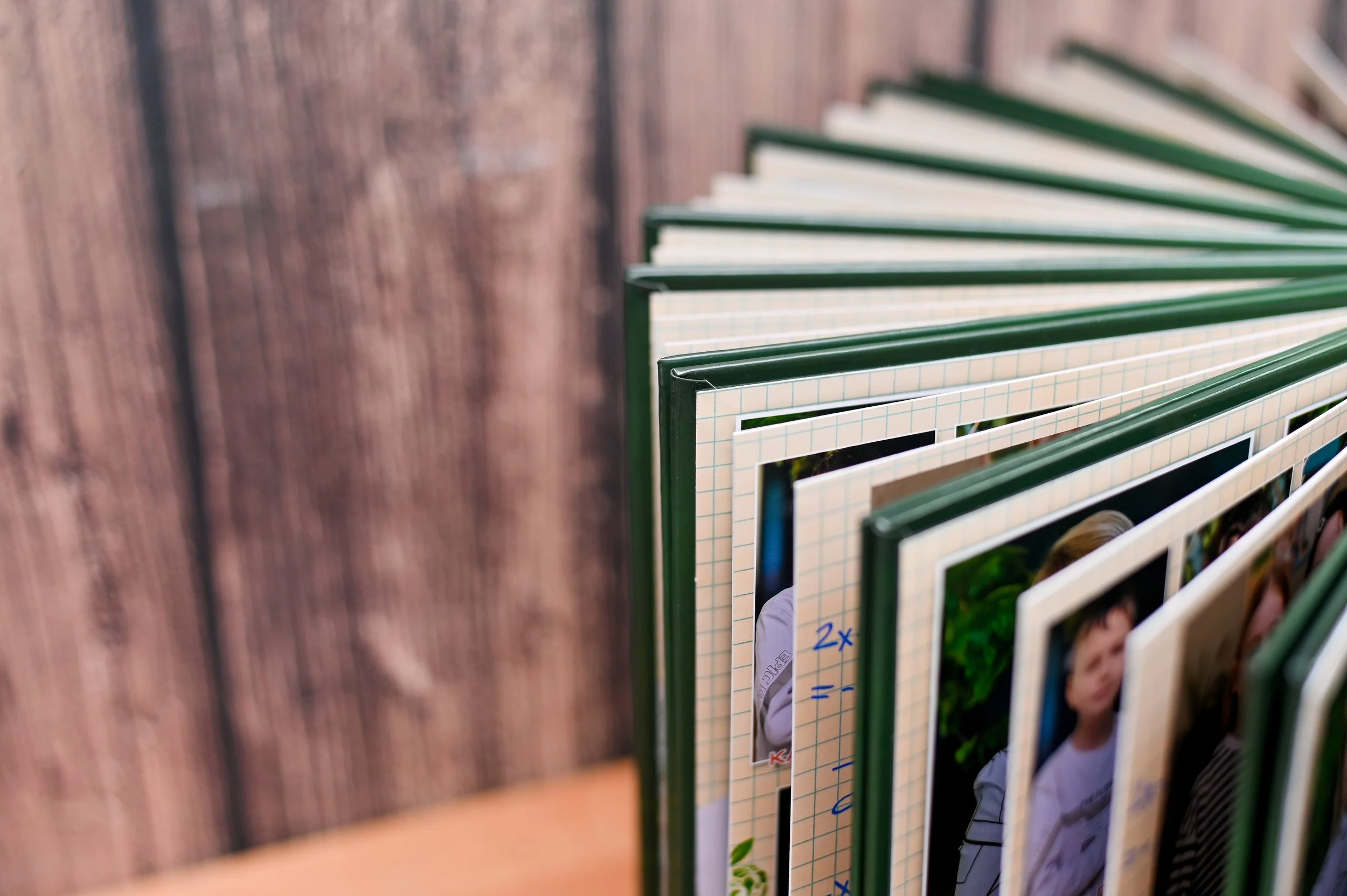
Celebrate the memories of the 2025–2026 school year with this year’s official yearbook! Filled with photos of school events, activities, and unforgettable moments, this keepsake captures what makes our school community special.

Order your copy and keep the memories alive for years to come!

Yearbooks will be delivered to your student.

Please note that once an order is placed, all yearbook sales are final and cannot be refunded. Please email memories@sierravistapta.org with any questions or concerns.

Share Your Memories!

Have you captured special moments at a school event this year?

We’d love to see them! Help us make the 2025–2026 Yearbook extra special by submitting your photos by clicking the button below.

Please make sure your pictures are clear, not blurry or pixelated, and showcase students participating in school activities.

While we appreciate every submission, not all photos will be included, as some may be edited or removed during the design process to fit layout and space needs.

Thank you for helping us preserve these amazing memories!

If you would like to upload more photos, please hit refresh on your browser and start again.


6th Grade Ad

Deadline to submit ad is Friday, May 1, 2026

Celebrate your 6th grader’s big milestone with a special message in the yearbook! Families of promoting 6th grade students are invited to create a quarter-page recognition ad in the back of the yearbook. Add photos, a short message, or a collage celebrating your student’s elementary school journey.

This is a wonderful way to recognize their hard work and create a lasting memory they can look back on for years to come. Best of all, this special space is free for all 6th grade families to participate.

Provide a high-resolution PDF or JPG file.

File size: 3.813 inches x 5.188 inches

We recommend using Canva to create your ad. You can create a free account at https://www.canva.com/

Creating Your Design

  1. Go to canva.com and log in or create a free account.

  2. Click "Create a design" in the top left corner.

  3. Select "Custom size".

  4. Enter 3.813 inches for the width and 5.188 inches for the height.

  5. Make sure the units are set to inches, then click "Create new design".

  6. Design your ad using Canva's tools, templates, text, and images.

Saving as a High-Resolution PDF

  1. When finished, click the "Share" button in the top right corner.

  2. Select "Download".

  3. Under "File type," choose PDF Print (this ensures high resolution).

  4. Click “Advanced Settings” and make sure to flatten the layers and set the color profile to CMYK.

  5. Click the "Download" button

  6. Your high-resolution PDF will save to your device

Please email your ad to memories@sierravistapta.org with the subject line “6th Grade Ad - [student’s name]”.

How use Canva


Yearbook Cover Contest

Deadline to submit entry is Friday, April 17, 2026

We're excited to announce that digital art submissions are now accepted for the Yearbook Cover Contest!

To submit a digital entry, email it to memories@sierravistapta.org with the subject line "Yearbook Cover Contest". Please include the following in your email:

  • Student's name

  • Teacher's name

  • Grade

  • Digital art medium used (e.g., Photoshop, Procreate, etc.)

Digital Art Requirements:

  • Must be original, hand-drawn artwork — photos are not accepted

  • No AI-generated content (entries will be automatically disqualified)

  • All submissions must be age-appropriate

File Specifications:

  • Size: 8.5" x 11"

  • Orientation: Portrait (vertical)

  • Resolution: 300 DPI

  • Format: High-resolution PDF